 |
All that’s new in the Todoist-verse – October 2024
|
|
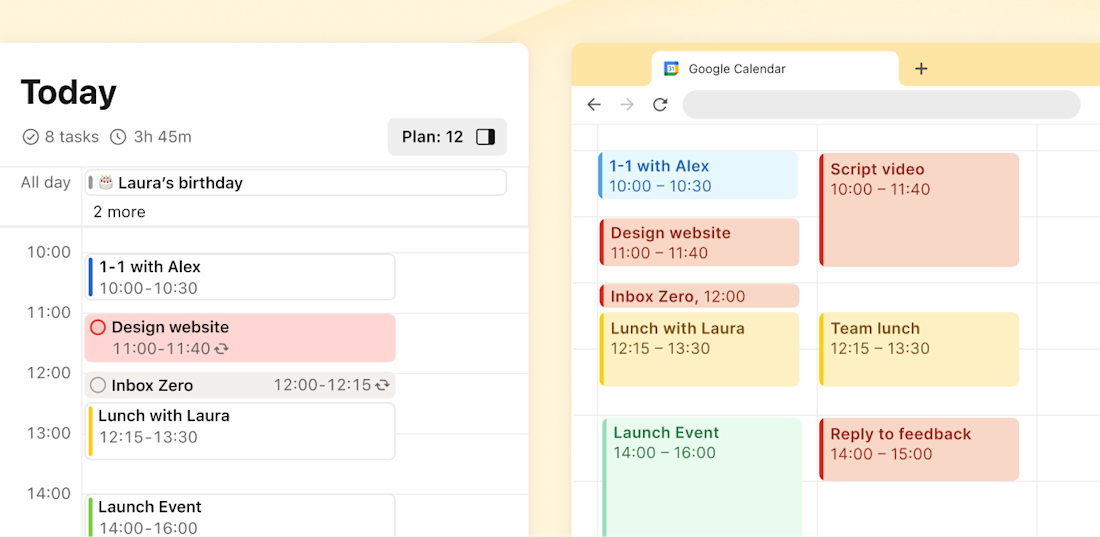
Manage your time-blocked Todoist to-dos like Review client proposals at 2pm for 2h or Pick up Garfield from the vet at 10am for 30m more efficiently by syncing those tasks directly to your Google Calendar – available on all plans! |
|
Your to-dos and events all in one place |
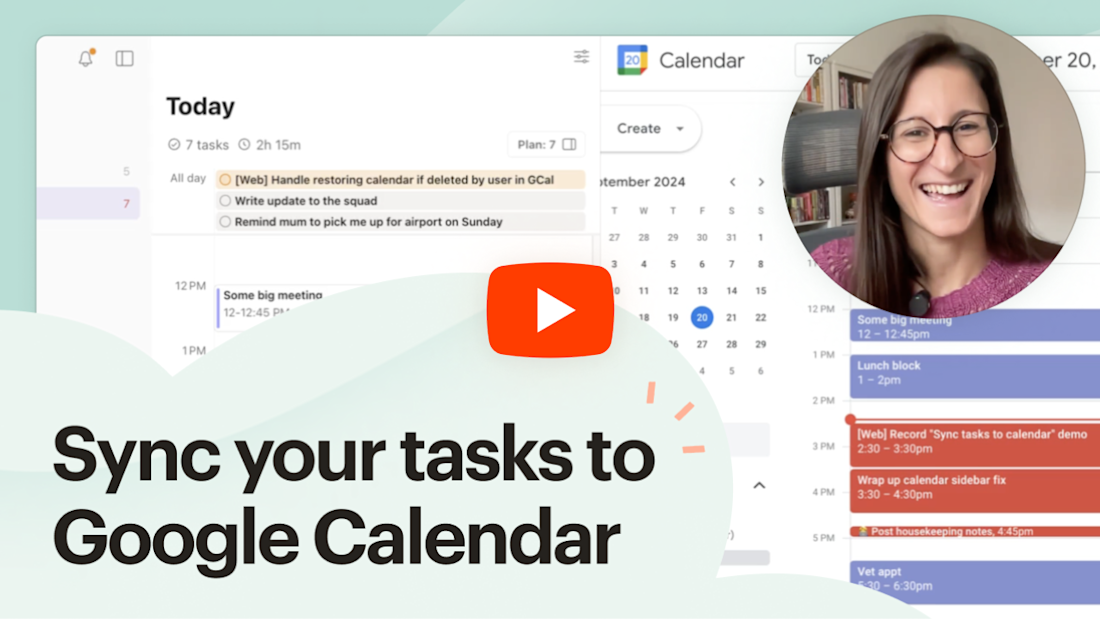
Now, you’ll be able to see your Todoist tasks right in line with your dentist appointments, board meetings, game nights, and whatever other fun things you’ve got going on. This’ll help you make realistic plans and avoid overcommitting yourself (music to all our adulting ears, right?). Let  Francesca show you how to start syncing: Francesca show you how to start syncing:
|
|
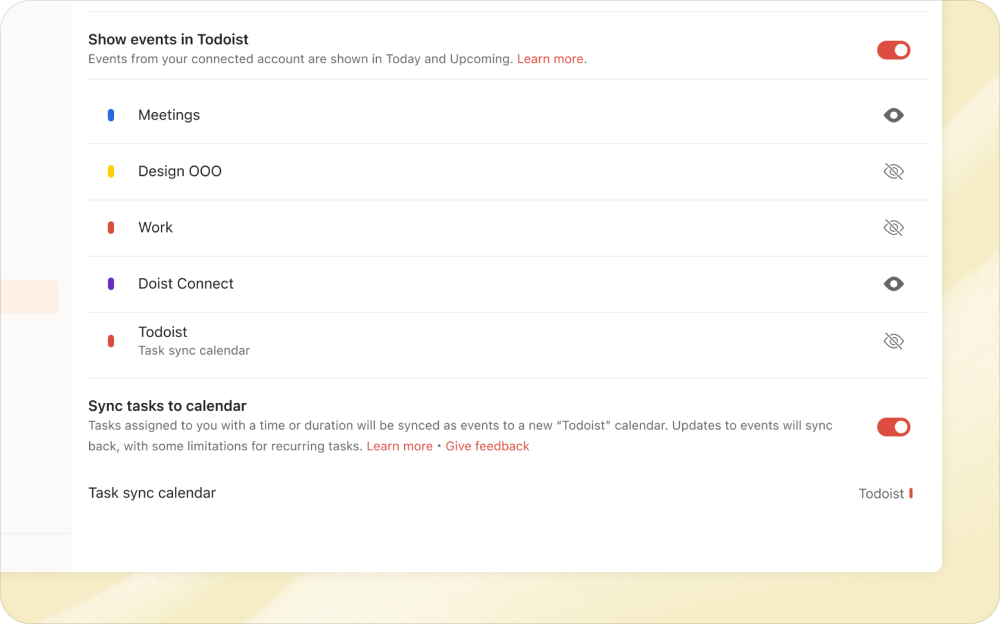
Syncing tasks to Google Calendar is incredibly easy to set up (easier than, say, coaxing Garfield into the car for his vet appointment). If you haven’t done so already, first head to Calendar settings to connect Todoist to your Google Calendar account. Click Connect Google Calendar and follow the flow. Once you’re connected to Google Calendar, flip the toggle at the bottom of Calendar settings to enable the Sync tasks to calendar option. Within seconds, you’ll see a “Todoist” calendar appear in your Google Calendar account.
With the Sync tasks to calendar feature turned on, Todoist will automatically sync all your tasks with a due date and time or duration to Google Calendar, including scheduled tasks in shared projects that have been assigned to you. And when plans change – as they inevitably do – you can conveniently reschedule your tasks directly from Google Calendar, saving you from unnecessary app hopping. Check out our help center article for more details on syncing Todoist with Google Calendar. (Or, watch Francesca’s demo – she explains it thoroughly halfway through.)
 | See your tasks turn into triumphs |
Once a task has been completed, watch it transform in your calendar with a charming ✓ check mark. It’s a satisfying way to see your accomplishments at a glance! |
|
|
|
|
|
What’s next? (Hint: It starts with O and ends with look) 👀 |
Our journey with calendars doesn’t stop with Google. You guessed it – we’re diligently working on a new Outlook Calendar integration that’ll bring the joy of time-blocking to all you Outlook enthusiasts. We’ll also be exploring ways to display completed tasks within the calendar layout in Todoist, so you can easily track your achievements over time. In the meantime, let us know what you think of the new Sync tasks feature. We’d love to hear from you as we continue to refine the calendar experience in Todoist. See you next month! 👋
|
|
Productively,  |
|
|